Taskio
A day that lives outside your head.
Taskio turns your notes into tasks, habits, and a diary — everything in one calm place. On iPhone, and on your computer at app.taskio.ge, with the same account.
What it does
Plan your day
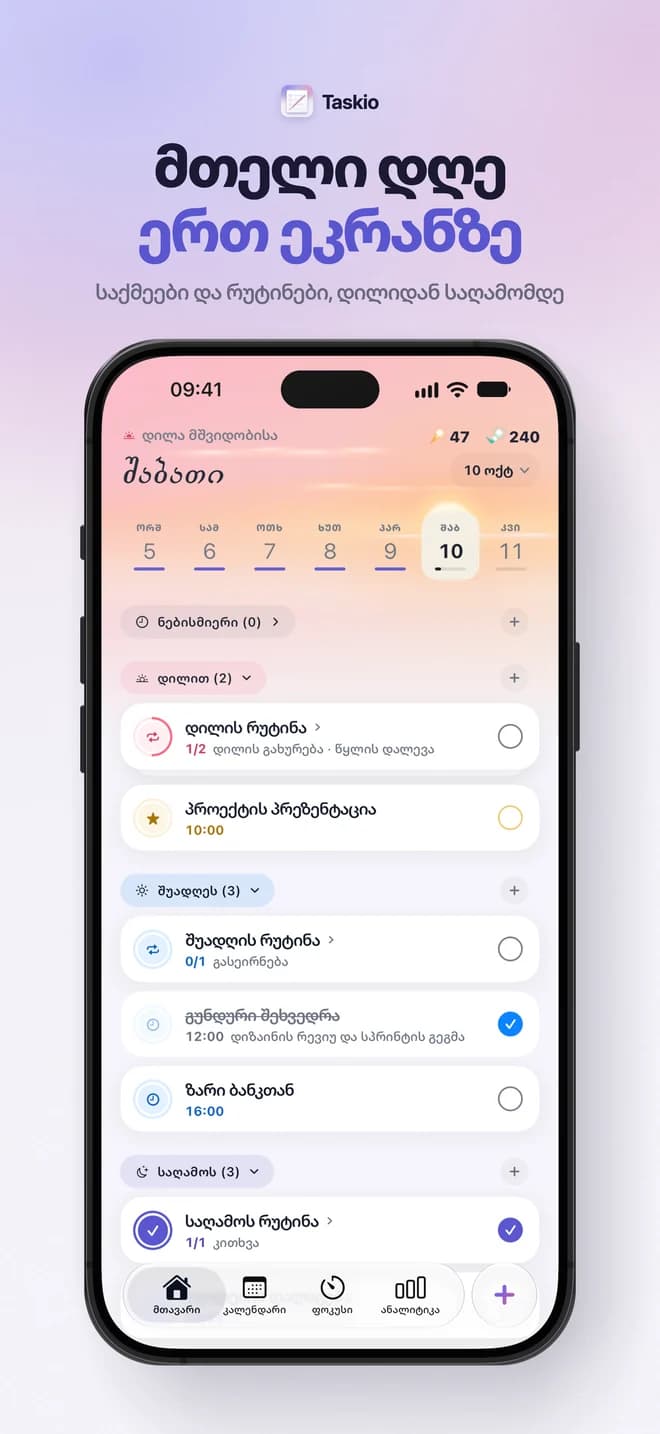
Tasks, habits, mood, and energy on one tidy dashboard.
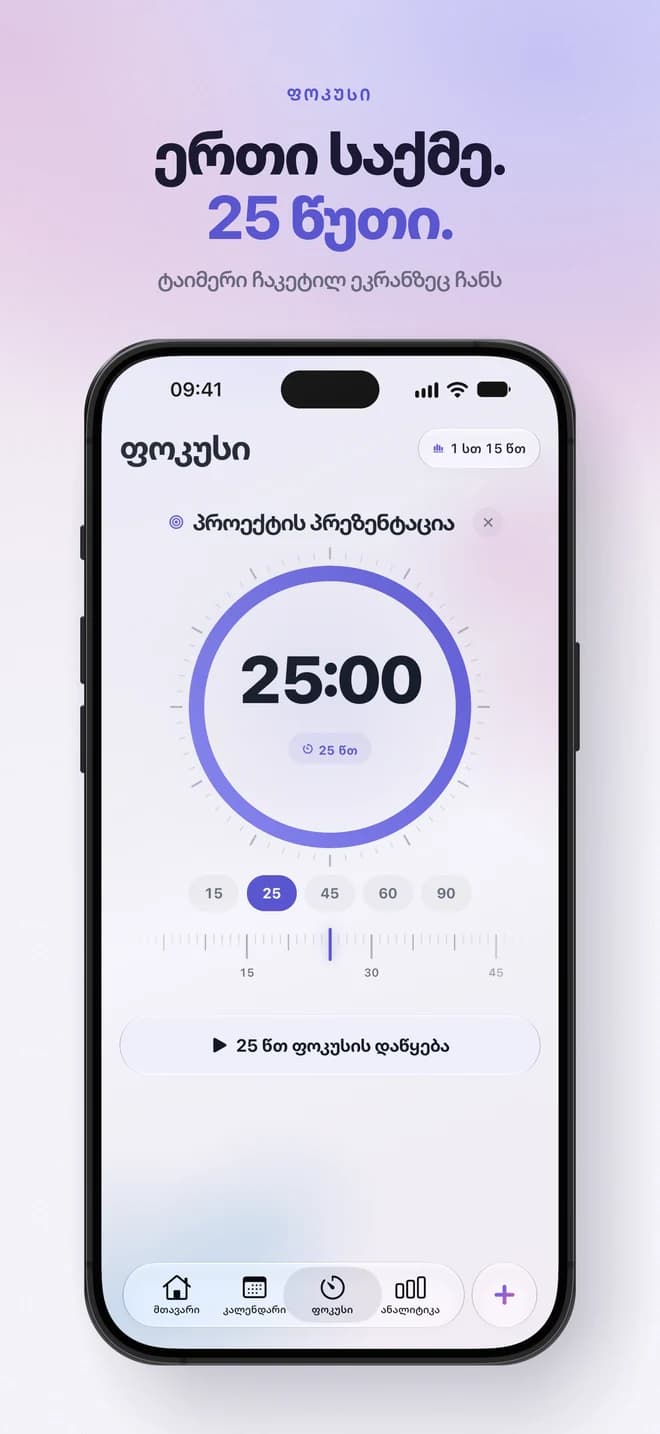
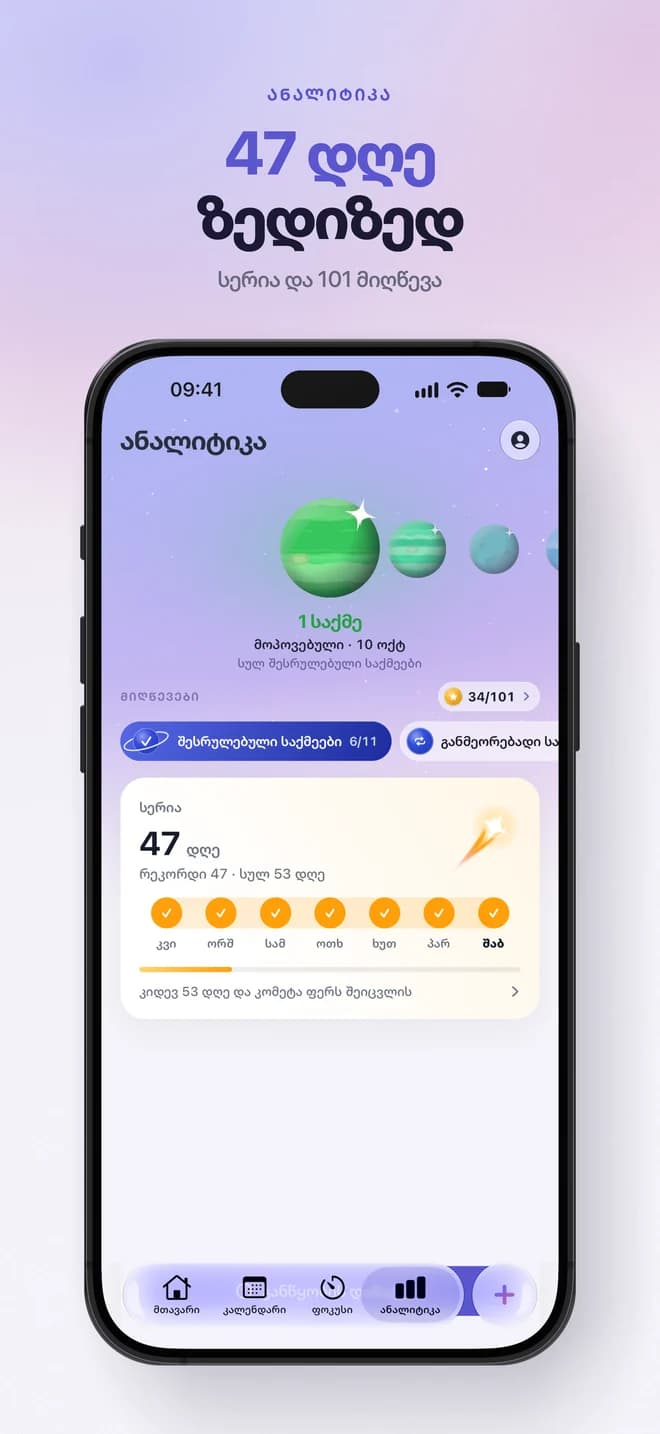
Morning to evening, in one app
Tasks by time of day, the calendar, focus, streaks and a living sky that follows your day.
Habits that stick
Small routines you check off every day — without the noise.
Diary and mood
A private log of how the day felt — just for you.
Voice assistant
Say it out loud — Taskio writes it down and plans it.
Private and secure
Tasks, habits, and diary are private to your account. No ads, no tracking.
On your computer too
app.taskio.ge is a full desktop workspace on the same account as the iPhone app, keyboard-first.
How it works
- 01
Drop a thought
Text or a voice note — however it comes out.
- 02
Taskio plans it
Say it, and the voice assistant writes it down and puts it in your day.
- 03
Own the day
Check things off and watch progress grow.
Questions
Is Taskio free?
Taskio is free to download and to start with. Pro unlocks unlimited tasks and habits and the voice assistant. It's a monthly or yearly subscription through Apple, with a 3-day free trial where available.
Which languages does Taskio support?
Georgian and English. The language follows your iOS system language.
Where is my data stored?
On your phone and in your private account, so it follows you to a new phone — only you can read it. Text sent for AI analysis is processed and not stored.
Is Taskio on Android?
Not yet. Taskio is on iPhone, and on your computer at app.taskio.ge. Android is coming soon.
How do I cancel my subscription?
Apple manages it: iOS Settings → Apple ID → Subscriptions → Taskio Pro → Cancel.
How do I delete my account?
In the app: Settings → Account → Delete account. This permanently erases your account and data.

